
 MatouTech
Let the Party Begin: Running Copyparty on an Almost Two Decade Old NAS
The Hardware
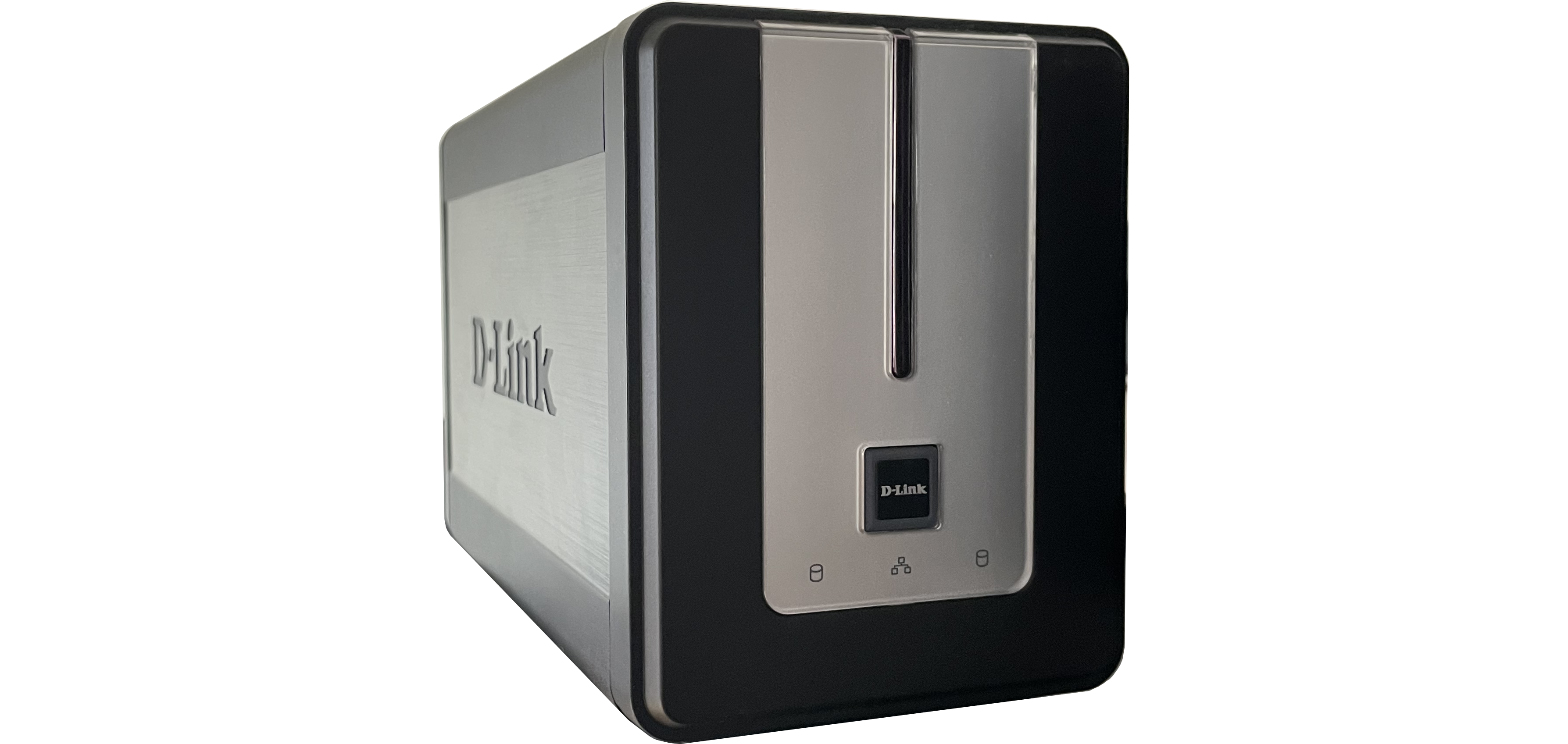
Alongside my old Windows Home Server which I have since repurposed as a Time Machine backup server was sitting a D-Link DNS-323 NAS from 2006. It has two bays with old but still functioning hard drives, a 32-bit ARMel CPU, and 64 MB of RAM. I always planned to install another OS on it but I didn't know what this hardware could be used for besides a simple file server. This functionality is already provided by the original firmware (albeit SMB version 1 only). Not enough of a reward for the risk of bricking the system. But then I came across the introduction video of copyparty on YouTube with the claim of "turn[ing] almost any device into a file server with resumable uploads/downloads using any web browser"1. I instantly wanted to try out this incredible piece of software. So I finally found the perfect use case for my DNS-323!
Debian Installation
Uploading the Installer Image
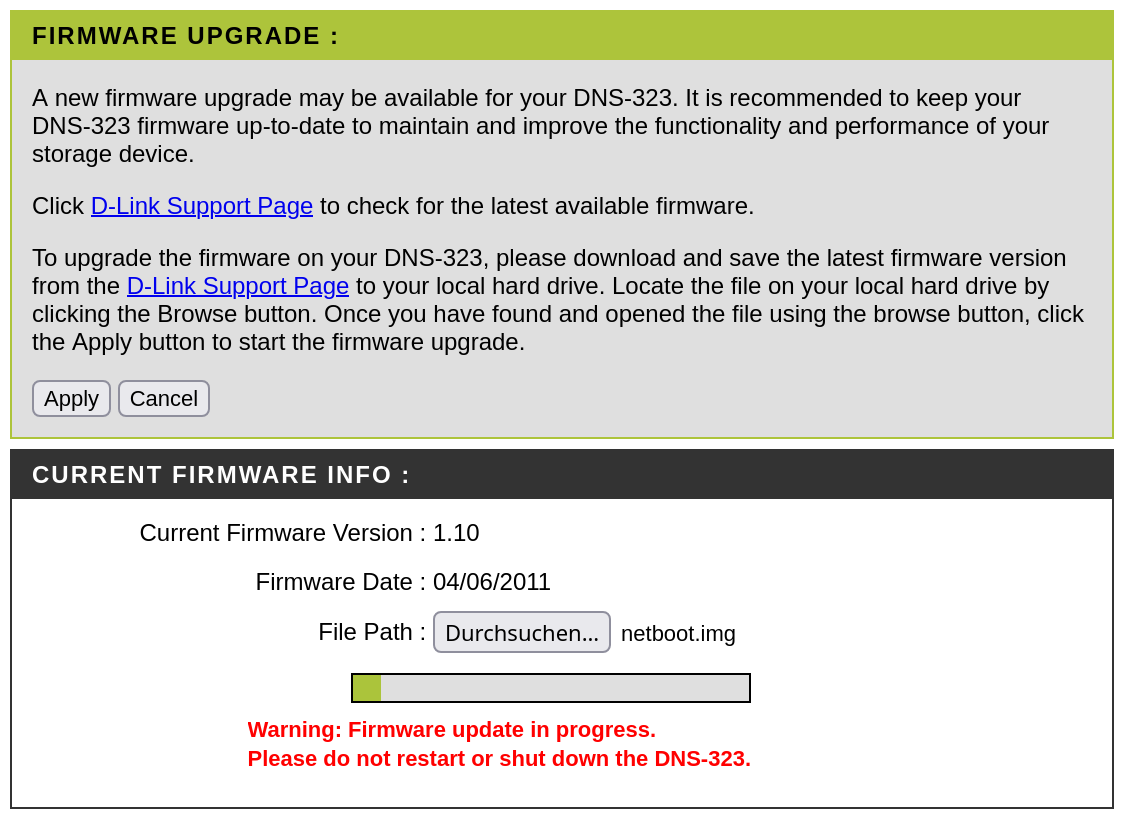
After a bit of research I was lucky to find that this NAS was officially supported by Debian 8 "Jessie" until 2020. Installation instructions were also available on GitHub. So I downloaded the installer from the Debian archive and flashed it using the update mechanism of the NAS.
Installation Process
After the DNS-323 had restarted, I tried to ssh into the installer but the handshake failed. I had to explicitely allow its host key algorithm by specifying the option -oHostKeyAlgorithms=+ssh-rsa. Once I was shown the Debian installer TUI, I continued with the instructions. I chose archive.debian.org as mirror and set the system time back to 2020 to avoid issues with expired package certificates. Then I formatted the drives in RAID 1 and had to wait a few hours for the synchronization to finish.
When the RAID was active, I had to restart the NAS for the installer to allow me using the RAID array as target for the installation. Unfortunately, the installation process was incredibly unstable. The system would hang spontaneously without prior error message in the system logs. I suspect this was caused by the small available RAM space. But I kept going and had to start over several times until I was finally lucky enough to complete the whole process.
Post-Installation
After the successful Debian installation I wanted to install the dependencies necessary for controlling the fan. However, all packages failed to install because start-stop-daemon, part of dpkg, was missing on the system. The solution to this problem was reinstalling dpkg while faking the presence of start-stop-daemon with a shell script in PATH2. After this hack, the package manager was working again. Setting up fan control now worked seamlessly according to the instructions.
Setting Up Copyparty
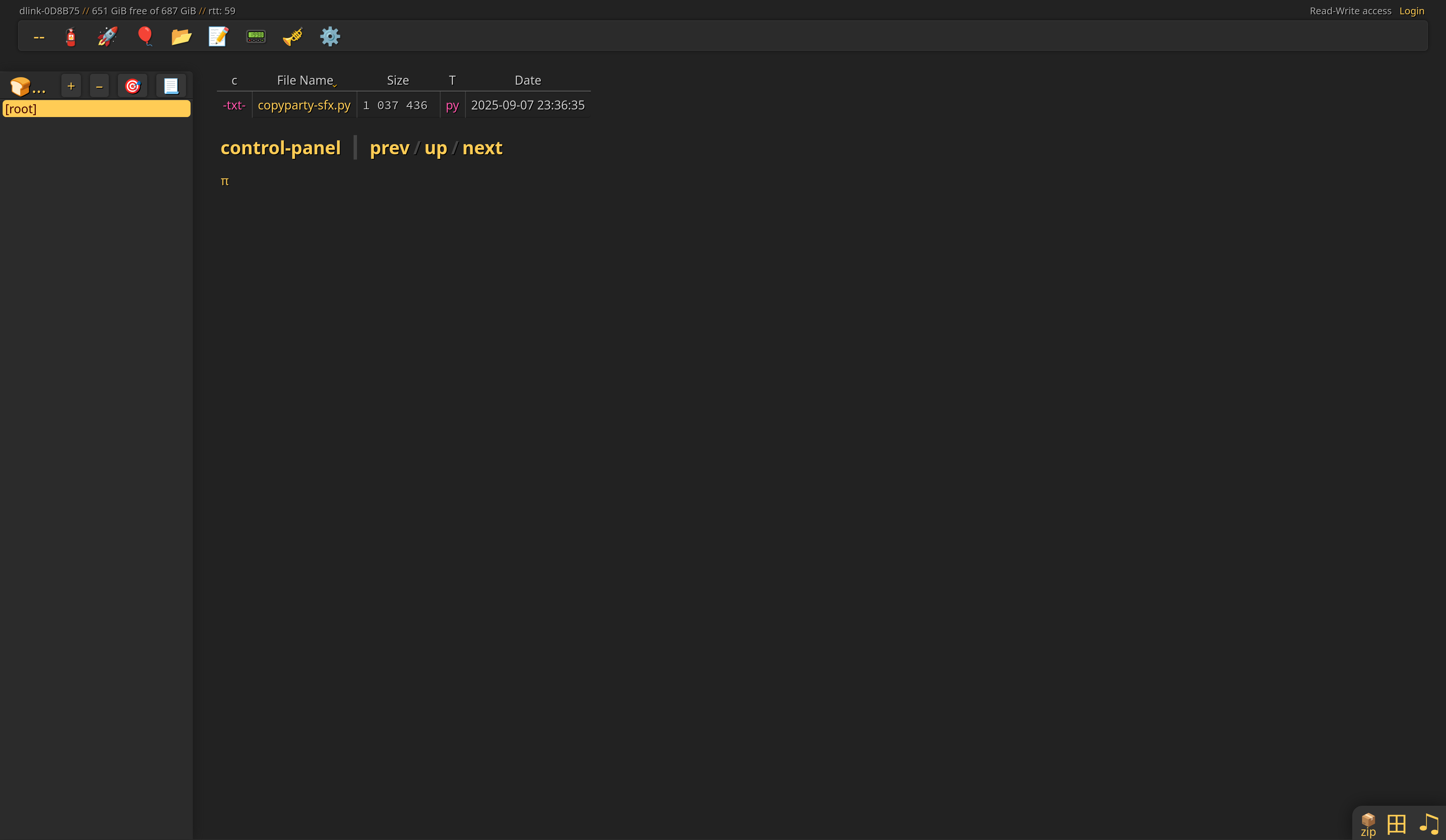
Debian Jessie came with Python 3.4.2 but that's enough for copyparty to run! In order to have copyparty started at boot, I chose to install it using a systemd service. I downloaded copyparty-sfx.py into /usr/local/bin. I then added a copyparty user with useradd -r -s /sbin/nologin -m -d /var/lib/copyparty copyparty. I saved the copyparty.service file in /etc/systemd/system and wrote a simple /etc/copyparty.conf:
[global]
  e2dsa, e2ts, dedup, z

[accounts]
  florian: password

[/]
  /var/lib/copyparty
  accs:
    r: *
    rwdma: florian
As a last step, I enabled the service using systemctl daemon-reload && systemctl enable --now copyparty. Voilà!
Update: Fixing the Power Button
When trying to shut down the NAS with the power button nothing happened. So I investigated if the button press would show up as an ACPI event using acpi_listen and in fact it did.
button/power PBTN 00000080 00000000So why wouldn't it trigger a shutdown? /etc/systemd/logind.conf had the action set to poweroff:
[Login]
HandlePowerKey=poweroff
The manual of logind.conf(5) gave the reason:
Only input devices with the "power-switch" udev tag will be watched for key/lid switch events.
I briefly confirmed using udevadm info /dev/input/event0 that this tag was missing. I created a new udev rule below /etc/udev/rules.d/ to add this tag to the power button device:
ACTION=="remove", GOTO="power_switch_end"

SUBSYSTEM=="input", KERNEL=="event*", ENV{ID_INPUT_SWITCH}=="1", TAG+="power-switch"
SUBSYSTEM=="input", KERNEL=="event*", ENV{ID_INPUT_KEY}=="1", TAG+="power-switch"

LABEL="power_switch_end"
After restarting systemd-udev-trigger.service the tag was shown by udevadm info and powering off the system using the power button finally worked as expected.
Copyparty repository on GitHub
Accepted Solution for missing start-stop-daemon on Stack Exchange